Skip to content


Self storage access control at the gate and building doors comes down to how tenants prove they have an active rental: a personal code on a keypad, a card or key fob, or a phone app. Keypads work for every tenant, cards and fobs suit frequent users, and a gate access app adds contactless entry and remote control. A keypad stays useful as the fallback even after a facility adds mobile access.
For the full list of components behind a system (readers, controllers, operators and software), see All Security Equipment's guide to the Best Access Control Systems for Self-Storage Facilities, and browse equipment for every entrance on the self storage facilities page.
Self storage access control methods compared
|
Access method |
How tenants enter |
Best for |
What to check |
|
Gate keypad |
Personal code at the gate |
Every facility |
Display, entry and exit keypads, sync with management software |
|
Card or key fob |
Tap or swipe at a reader |
Staff, business tenants, frequent visitors |
Cost to replace lost credentials, reader inputs on the keypad |
|
Mobile app |
Tap in the app near the gate or over a data connection |
Contactless entry, remote management |
Bluetooth range, connection type, fallback code |
|
Intercom or telephone entry |
Call the office or a manager from the gate |
Visitors, new tenants, unmanned sites |
Who answers after hours, remote opening |
|
Biometric |
Fingerprint at the gate |
Sites that want to stop code sharing |
Keypad input support, enrollment process |
Every method handles access control for storage units the same way: the credential is linked to the tenant's account, so access ends when the lease ends or rent is overdue.
Keypad access for storage units
Keypad access is the method tenants already expect at a storage gate: each tenant types a personal code, and the gate opens if the account is in good standing. Storage-specific keypads receive codes from the facility's management software, so a new rental gets a working code and a late account loses access without anyone making changes at the gate. A keypad with a display tells tenants what's happening, which matters at a self-service site.
-
Entry and exit: Plan a keypad on each side of the gate. Industry checklists treat two keypads as the minimum for a self storage gate.
-
Mounting: Install keypads on pedestals at driver-window height so tenants don't leave the vehicle.
-
Unique codes: Keycode access works only when every tenant has a separate code. A shared code can't be removed from one tenant without changing it for everyone.
-
Room to grow: Some keypads accept card readers or fingerprint scanners, so you can add methods later without replacing the gate keypad.

Card, fob and remote access for frequent users
Cards and key fobs suit people who enter many times a day, such as staff, contractors and business tenants with inventory on site. Tenants tap instead of typing, but each lost credential needs replacing and deactivating. Compare fob and card readers with the fobs and cards they read, and check whether your keypad has a reader input. For vehicle lots such as RV and boat storage, gate remotes and receivers can open the gate for a small group of long-term tenants.
Mobile access and gate access apps
Mobile access lets tenants open the gate from a phone instead of typing a code. Some storage keypads use Bluetooth, so the app opens the gate when the tenant is within range, even without a data signal at the gate. Other systems open the gate over a cellular or internet connection, and some limit opening to tenants within a set distance of the gate.
-
Payments: Some tenant apps also collect rent and ask a late tenant to pay before the gate opens.
-
No-app option: For contactless entry without an app download, some systems post a QR code at the gate that opens a web keypad on the tenant's phone.
-
Fallback: Phones run out of battery and not every tenant installs an app, so keep a keypad code active on every account.
-
Small sites: Without storage management software, a smartphone controller such as those in the Remootio collection can open an existing gate operator over Bluetooth, Wi-Fi or the internet.
Self storage smart locks on unit doors
Self storage smart locks extend mobile access from the gate to each unit, so tenants open the unit door from the same app. Converting units usually requires compatible doors and hardware, so plan it as a separate project from the gate upgrade.
Electronic gate entry and gate control
Every access method ends the same way: the keypad, reader or app sends an open signal to the gate operator. When you compare self storage gate access systems, check how each one connects to your existing operator and how the gate behaves on the way out. Electronic gate entry usually pairs the entry keypad with an exit keypad or a loop detector that opens the gate for vehicles leaving.
-
Gate control from the office: Manager apps and office buttons let staff open or hold the gate for moving trucks. Confirm gate control works remotely if the office isn't staffed all day.
-
Tailgating: At gated self storage sites, a second vehicle following the first is a common gap. Ask how the gate closes after each vehicle.
-
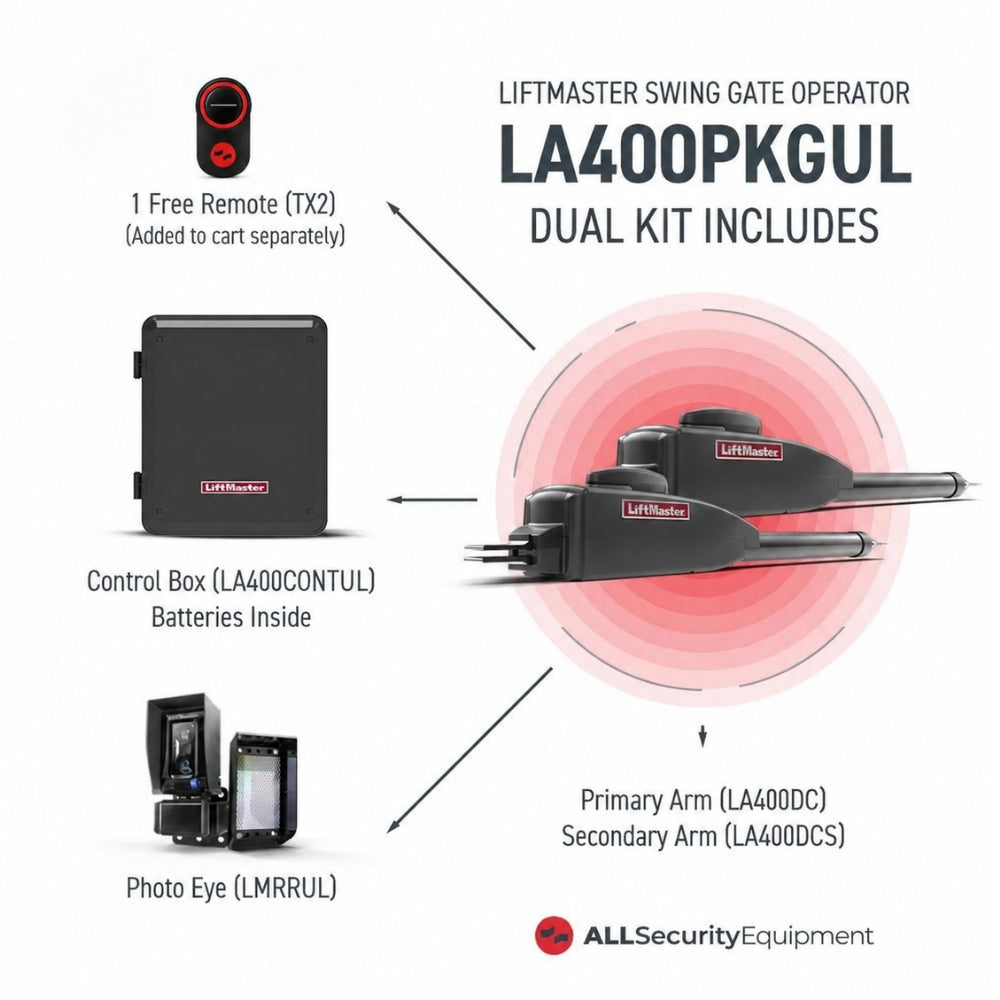
The operator: Access hardware depends on a reliable gate operator. See the top storage gate operators for self storage for models built for busy storage gates.
Gate software and access scheduling
Gate software links every access method to tenant accounts. Codes created in the management software sync to the keypads, and the same account status controls card and app access. Access scheduling sets gate hours by tenant or unit type, such as longer hours for business tenants. Before choosing a keypad or app, confirm it works with the management software you already use.
Access for unmanned and 24 hour self storage
An unmanned self storage site relies on the access system for jobs the office used to handle: rentals, codes, help calls and lockouts. A self storage kiosk lets new tenants rent a unit and receive a gate code without staff, and a tenant app can do the same from a phone. An intercom or telephone entry system at the gate lets tenants and movers reach a manager who can open the gate remotely.
Automated self storage needs a plan for outages. Choose between cellular and internet-connected keypads based on the signal at the gate, and add battery back-ups so the gate keeps working without power. For 24 hour gate access, set the hours in the access schedule and tell tenants what to expect, as covered in Self Storage Security: What Renters Should Know.
How to choose an access method by facility type
-
Small staffed facility: Entry and exit keypads synced to management software, with cards or fobs for staff. An app is optional.
-
Large or multi-site operation: Cloud-connected keypads, a tenant app and remote gate control, so managers see and open every gate from one account.
-
Unmanned facility: Keypad plus app as the main methods, an intercom for help, and online or kiosk rentals that issue codes automatically.
-
Climate-controlled buildings: Add a keypad or reader at each building door, paired with magnetic locks or electric strikes and deadbolts.
-
RV and boat storage: Keypads at vehicle height, plus remotes or cards for long-term tenants who enter often.
For help matching equipment to your gate and software, contact All Security Equipment's customer service and technical support team with your gate operator model and management software name.
Self storage access control FAQs
Can tenants access a self storage facility 24/7?
Only if the facility allows it. Gate hours are set in the access schedule, so some facilities offer 24 hour access to every tenant while others limit it to certain units or business accounts.
Do storage facilities use one gate code for everyone?
No. Storage access systems give each tenant a personal gate code linked to the rental, so one tenant's access can be removed without changing anyone else's code.
Can self storage facilities use biometric access?
Yes. Some storage keypads accept fingerprint scanners alongside codes, cards and apps. Check that the keypad has an input for the scanner and plan how tenants will enroll.
What should tenants do if the gate app doesn't open the gate?
Tenants should use their keypad code, which is why every account needs one. The app may fail when the phone is out of Bluetooth range, has no data signal, or the account is locked for late rent.
Does a self storage gate need an intercom?
Not always, but it helps at unmanned sites and for visitors. An intercom or telephone entry system lets tenants and movers call a manager who can open the gate remotely.